Managing Your Inventory in Star Citizen (2026)
Personal storage, ship cargo holds, and local station storage — what each type is, how to move items between them, and what happens when a ship is destroyed.
Quick summary
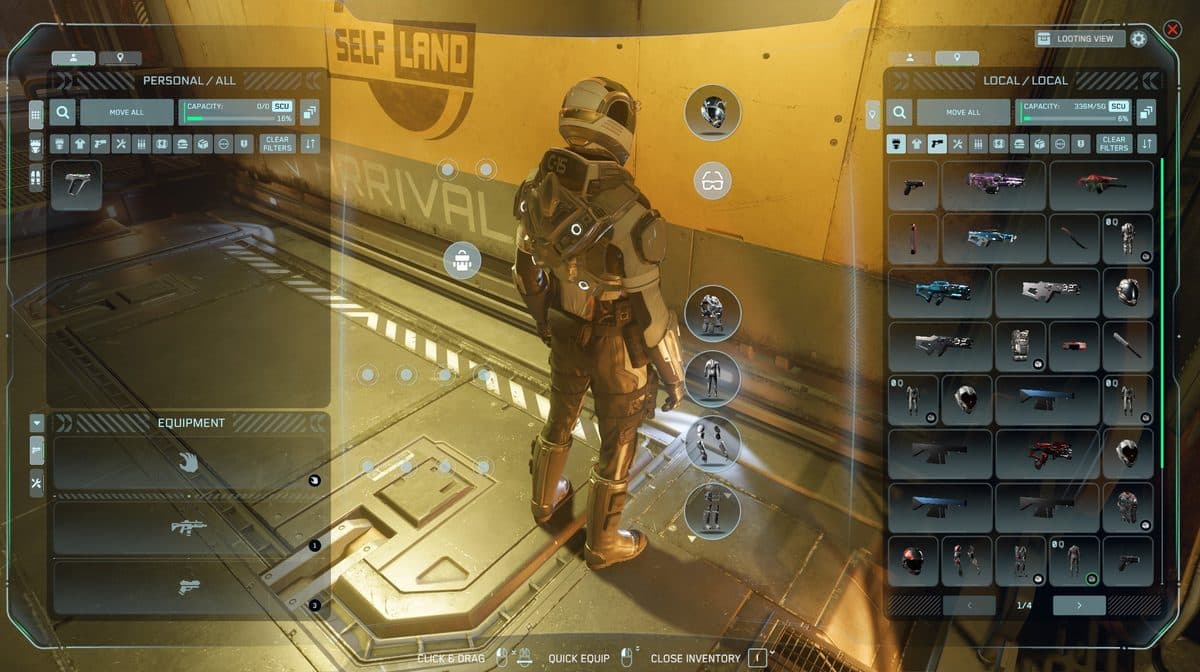
Press I to open the inventory screen. Your personal inventory is on the left. The ship or station storage is on the right. Drag items between the two panels to move them. Always unload your ship before claiming it on an insurance reclaim — the claim destroys whatever is left inside.
Types of storage
Star Citizen inventory has three distinct layers. Understanding which is which prevents a lot of frustration.
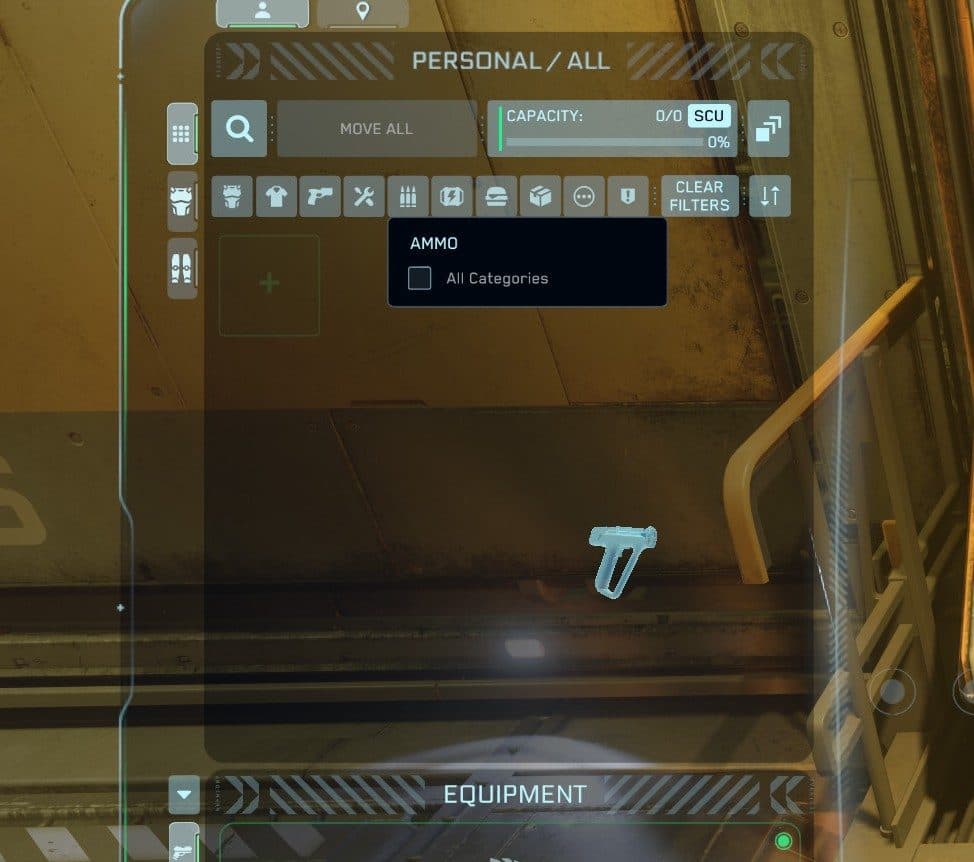
- Personal inventory: The items your character is carrying — armor, weapons, consumables, tools. This storage travels with you everywhere. How much you can carry depends on the armor you are wearing and whether you have a backpack equipped.
- Backpack: An additional storage item you wear. Equipping one significantly increases how much you can carry in your personal inventory.
- Local storage: Storage at a specific location — your habitation room, an outpost storage terminal, or a city locker. Large capacity but the items stay at that location until you go back for them. These persist between sessions.
- Ship inventory and cargo hold: Storage attached to your ship. Small personal-size items go in the ship's inventory panel. Large trade goods (measured in SCU, the standard cargo unit) go in the physical cargo hold. Items in the hold are lost if the ship is destroyed.
How to transfer items
- Press I to open the inventory screen.
- Make sure you are near your ship or storage terminal. Items can only be transferred when both inventories are physically close enough to interact with.
- Drag items from the left panel (personal inventory) to the right panel (ship or station) or the other direction.
- For moving a whole stack at once, right-click an item and choose Transfer all, or use the stack transfer button.
What persists between sessions
- Personal inventory: Persists. Items on your character survive logout and server changes.
- Local storage: Persists. Items in habitation rooms and outpost terminals stay there until you retrieve them.
- Ship cargo hold: Persists as long as the ship is not destroyed. If the ship is destroyed, the cargo in the hold is lost.
- Insurance reclaim warning: If you submit an insurance claim on a ship (because it was destroyed), the ship is replaced but everything inside it is gone. Always unload your cargo before claiming.
Organisation tips
- Pick one home base. Keep your main loadout and valuable items at a single station you visit regularly. Spreading gear across many locations gets confusing fast.
- Dedicate ships to roles. Do not mix your combat loadout with cargo hauling inventory in the same ship. One ship, one purpose.
- Sell loot regularly. Looted items and trade goods pile up quickly. Visit a Trade & Development Division (TDD) terminal or a commodity kiosk to sell excess.
- Know your cargo capacity. One SCU is 1.95 cubic metres — just under two. Check your ship's hold size before buying trade goods — overfilling is a common mistake.
Common questions
My inventory is not showing items — what do I do?
This is almost always a client sync issue — your items are still on the server. Close the inventory screen (I), wait a few seconds, and reopen it. If items are still missing, relog. The server-side data is usually intact even when the client fails to display it correctly. Check all storage locations before assuming something is lost.
What happens to my cargo if my ship is destroyed?
Cargo in the ship's hold is lost when the ship explodes. Small items in the ship's inventory panel are also typically lost. Your personal inventory — the items on your character — is safe. You keep those on respawn. High-value cargo can sometimes be salvaged from the wreck by other players.
Can I store items at any location?
You can store items at any location that has a storage terminal or habitation room — major cities, space stations, and some outposts. Items stay until you retrieve them. Small outposts may not have permanent storage, so check before leaving valuables there.
Not signed up yet? Use a referral code and start with fifty thousand bonus credits — enough to fill your first cargo hold.
Get your 50K UEC bonus