Star Citizen Food, Drink & Survival Guide (2026)
Your character gets hungry and thirsty. Here is what the meters mean, what happens when you ignore them, and how to read food and drink ratings.
Star Citizen simulates your character's basic needs. Two meters track your physical state: Nutrition (hunger) and Hydration (thirst). Both drain over time and refill when you eat food or drink drinks.
You can see both on your mobiGlas personal status screen and at the bottom-left of the HUD. If either gets too low, you take damage and can fall unconscious. You must take your helmet off to eat or drink.
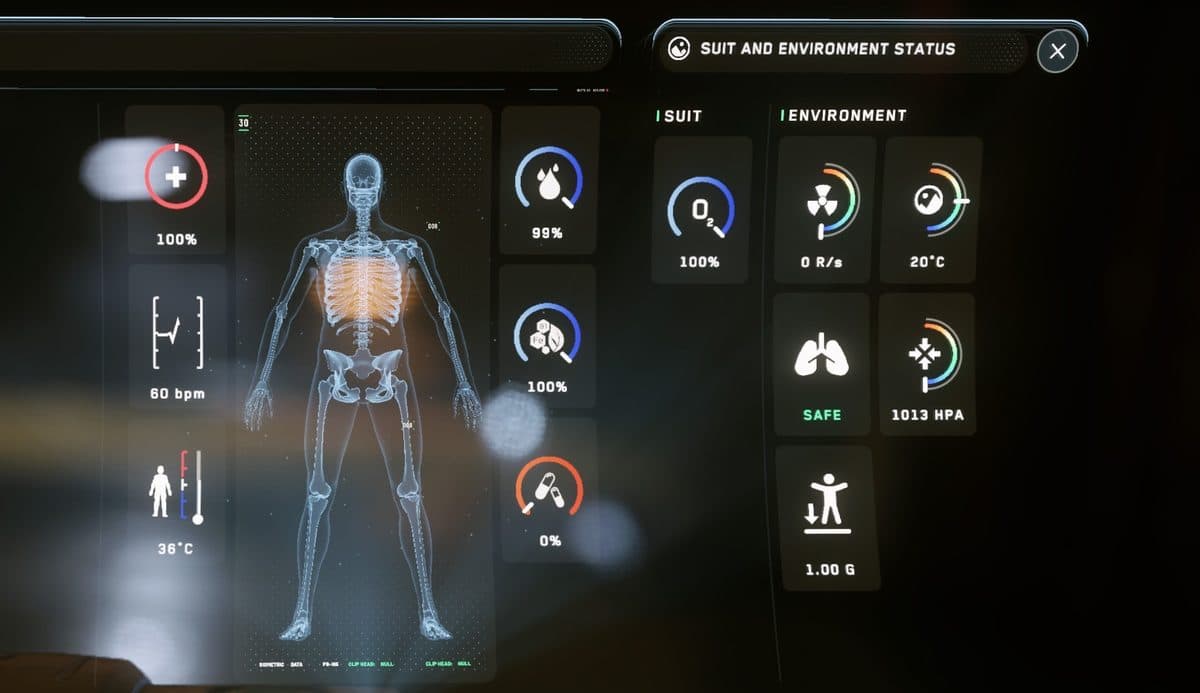
What happens when a meter runs low
- Too low: If Nutrition or Hydration drops too low, you take damage.
- Left alone: You will eventually fall unconscious.
- Worst case: A death caused by empty meters is logged as “Malnutrition”.
How to eat and drink
- Take your helmet off: You must remove your helmet before you can eat or drink.
- Equip from inventory: Food is usually eaten in a single bite. Drinks can be taken in small sips or finished in one go.
- Do not waste it: Eating or drinking while your meters are full gives a reduced effect.
Food and drink ratings: NDR and HEI
- Food: Most food has a Nutritional Density Rating (NDR). A higher NDR means the item restores more hunger.
- Drinks: Most drinks have a Hydration Efficacy Index (HEI). A higher HEI keeps you hydrated longer. Standard filtered water has an HEI of 80.
- Caffeine and alcohol: These lower a drink's HEI, so coffee and alcohol hydrate you less than plain water.
- Dietary effects: Many items also carry dietary effects, such as Energizing on some drinks. Check an item's effects before you use it, especially before a fight.
Where to find food and drink
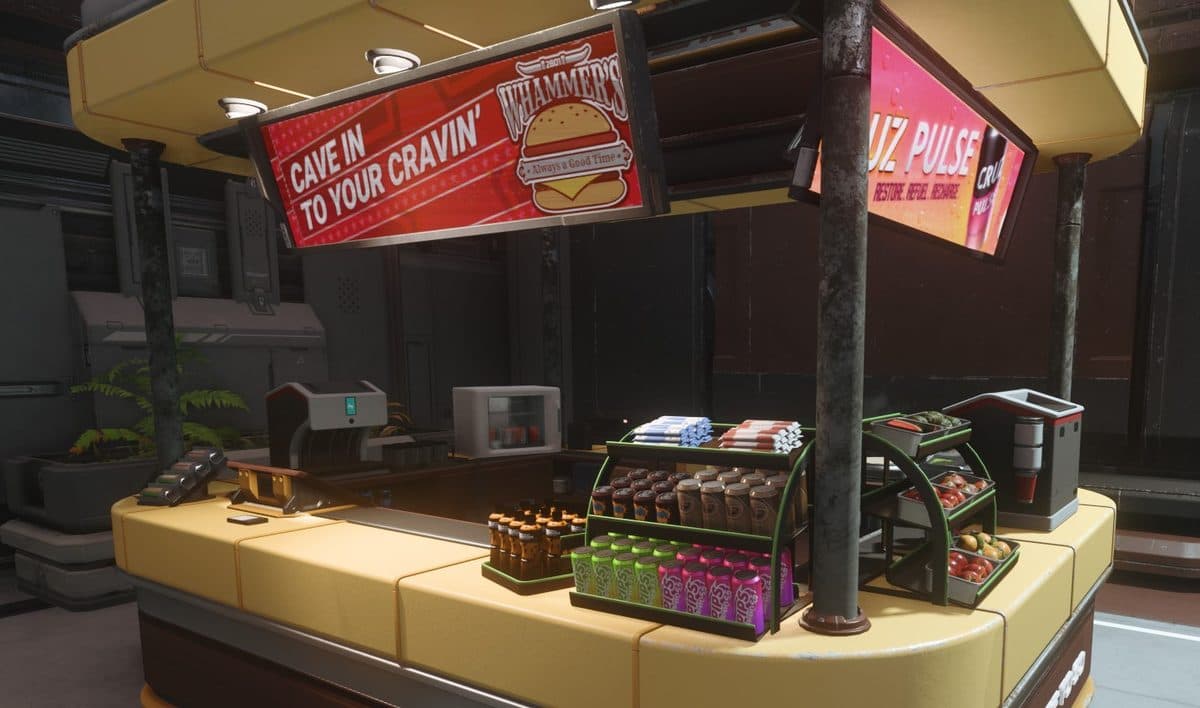
Food and drink are sold at shops, bars, and vending machines in landing zones and stations. Look for food vendors and kiosks in the main common areas. Stock up before you leave a major hub, because remote outposts may have less on offer.
Practical survival tips
- Carry some of each: Keep at least one drink and one food item in your personal inventory.
- Stock your ship: Before a long cargo run or exploration session, buy a supply of food and drink at a city.
- Do not eat or drink when full: Consuming items while your meters are full gives a reduced effect. Wait until you are hungry or thirsty.
- Check your meters before every mission: Look at the mobiGlas status screen or the bottom-left of the HUD. If either is low, top up before you leave.
Common questions
Can you die from hunger or thirst?
Yes. If Nutrition or Hydration drops too low, you take damage and will eventually fall unconscious. A death caused by empty meters is logged as “Malnutrition”. Top up before long missions if either meter is low.
What is the best food to carry?
Look at the ratings. Food has an NDR and drinks have an HEI. Higher is better. Standard filtered water has an HEI of 80. Caffeine and alcohol lower a drink's HEI, so plain water is a safe pick for thirst.
Where do I check my hunger and thirst levels?
Open the mobiGlas personal status screen, or look at the bottom-left of the HUD. You will see your Nutrition (hunger) and Hydration (thirst) meters. Both drain over time.
Not signed up yet? Use a referral code and start with fifty thousand bonus credits — enough for a healthy stockpile of supplies.
Get your 50K UEC bonus