Step 2 of 4
Search before you file
This is the step most people skip, and it is the one developers care about most. If your bug is already reported, adding to that report is far more useful than starting a new one.
Why duplicates hurt
When ten people file ten separate reports for the same bug, the evidence is scattered across all ten. Developers cannot see the full picture in any one of them.
When those ten people add to one report instead, it gathers ten sets of evidence, ten confirmations, and rises up the queue. The Issue Council asks you to search first for exactly this reason. Official RSI support article
1. Sign in
Go to the Issue Council site and select Sign In at the top right. It sends you to the main RSI site to log in, then brings you back. Official RSI support article Remember, only backers can sign in and contribute.
Screenshot: The RSI account sign-in page reached from the Issue Council
Annotate: blur your email address
09-signin-redirect.png
Once you are in, you will see the projects you can report on, such as Star Citizen. Choose the one your bug belongs to.
Screenshot: The Issue Council home once signed in, showing the project tiles
Annotate: circle the project you will report in
10-ic-logged-in.png
2. Search for your bug
Use the search box and a few plain keywords that describe the problem. Try the name of the place, ship, or screen where it happened, plus what went wrong.
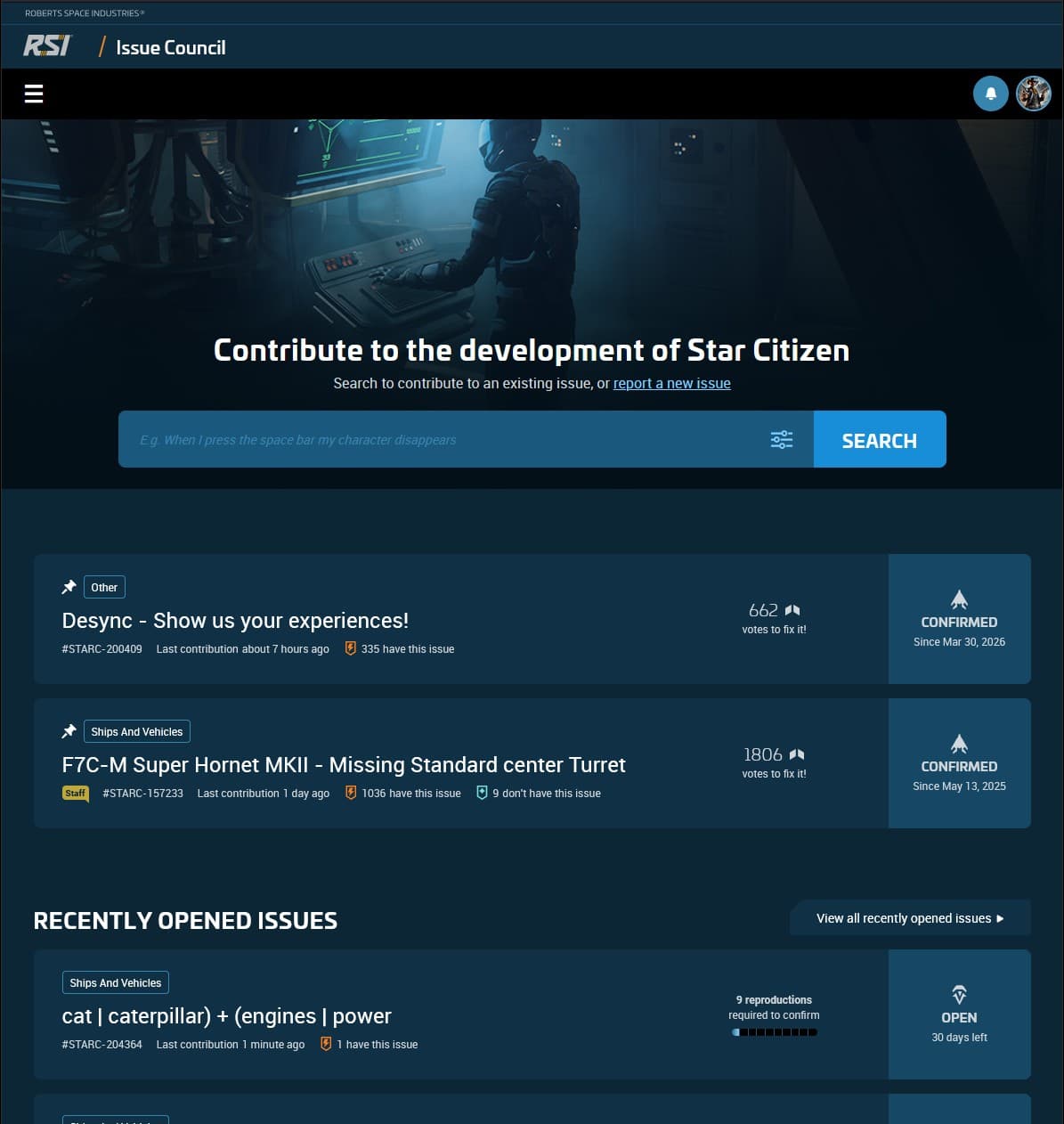
Read the results carefully. Try a second search with different words before you decide your bug is not there. Wording varies, so the same bug may be filed under terms you did not think of. Official RSI support article
Screenshot: A list of search results on the Issue Council
Annotate: caption 'scan for your bug before filing a new one'
12-search-results.png
3. Filter by status, then contribute
You can filter reports by status. When you are looking for a report to add to, the useful ones are Open, Confirmed, and Under Investigation — these are still active. Official RSI support article
Screenshot: The status filter open, showing Open, Confirmed, and Under Investigation
Annotate: circle the status filter control
13-status-filter.png
Found your bug? Open the report and add your contribution. Confirm that you can reproduce it, add a comment with any detail the report is missing, and attach your own evidence.
Screenshot: An existing report with the 'I can reproduce this' control
Annotate: circle the contribute control; caption 'add to this instead of duplicating'
14-existing-report-contribute.png
Already reported? You are done.
If you added your evidence to an existing report, that is a complete contribution. Only if the bug is genuinely not there do you move on to filing a new report.